WTF is wrong with modifier keys?
blah
Preamble
- I have 3 keyboards.
- I travel between my home and the office
- I use Linux and Mac.
Here’s the keyboards, where I use them, and when I use them:
| Wooting 80HE | Standard MacBook built-in keyboard | HHKB Hybrid Type-S |
|---|---|---|
| Home | Travel | Office |
| Linux, Mac | Mac | Mac |
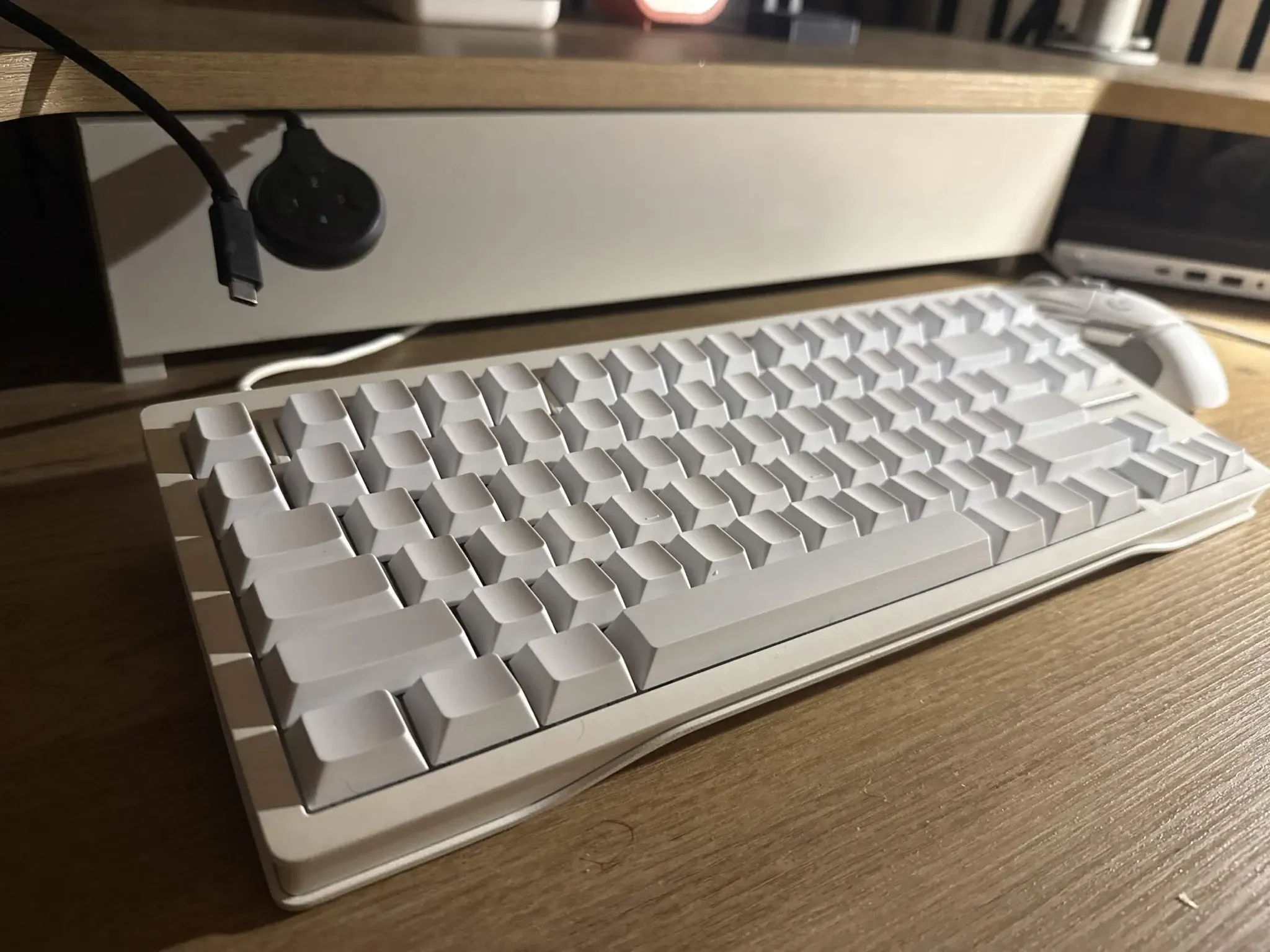 |
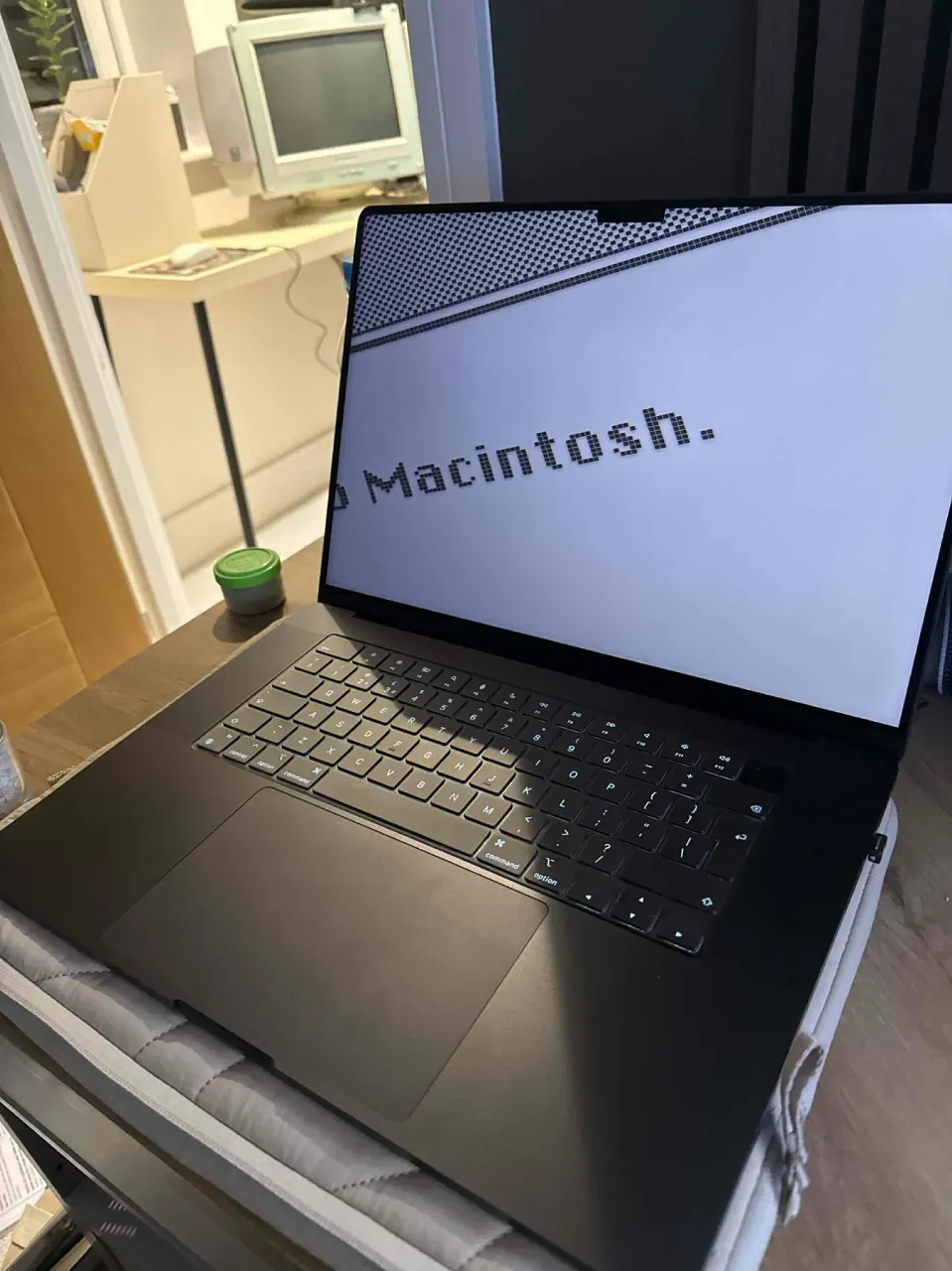 |
 |
Before you accuse me of larp, and also buying needlessly expensive keyboards:
- I got all of them for free.
- I use them an equal amount.
It’s not for show!
Until this week though, when moving between machines, I had to feel around and make the same 10~ stupid mis-inputs before I could copy a line of text. After about 8 months of putting up with this, I decided to sit down and actually look at why this is so bad. I already knew it was worse than “the keys are in different places” - I had an existing setup that worked well enough for me not to get super confused, but by no means was it perfect.
macOS has three modifiers and three jobs
This is the bit I prefer about Apple:
- Cmd is the application modifier. Copy, paste, quit, close, save, find, new tab. If it’s a thing an app does, it’s Cmd.
- Ctrl is the terminal modifier. Control codes.
^C,^D,^Z. It has almost no other job - it’s basically vestigial outside a terminal. - Option is the text modifier. Word-wise navigation, alt characters.
Three modifiers, three clean jobs, no overlap. Cmd+C copies everywhere, terminal included, because interrupting a program was never Cmd’s job in the first place.